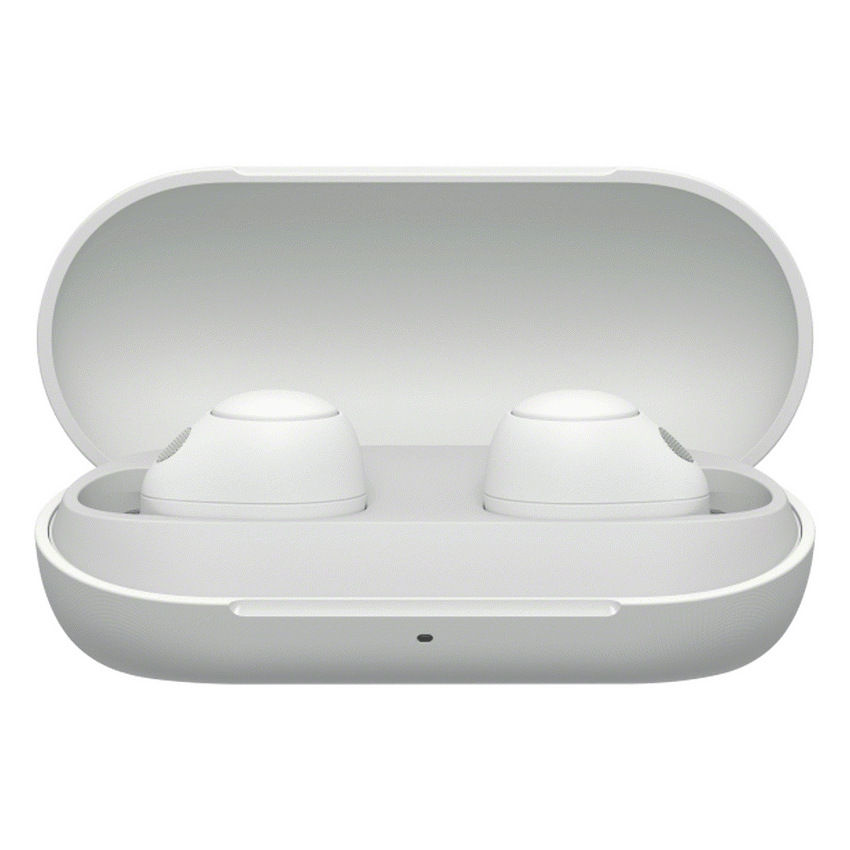
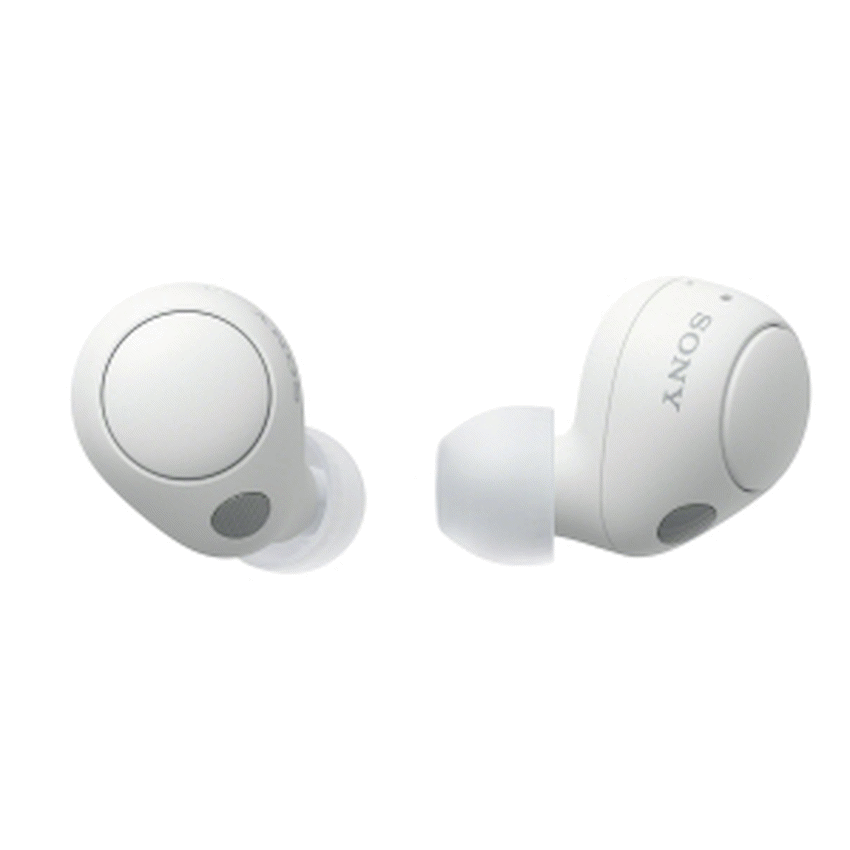
Sony WF-C700N (White) True Wireless Earbuds

SKU: WF-C700N/WZE
Out of stock
R2 299.07
Out of stock
This item is low in stock.

Item(s) left: 0

SKU: WF-C700N/WZE Categories: , , , Brand:

Sony WF-C700N (White) True Wireless Earbuds

Description

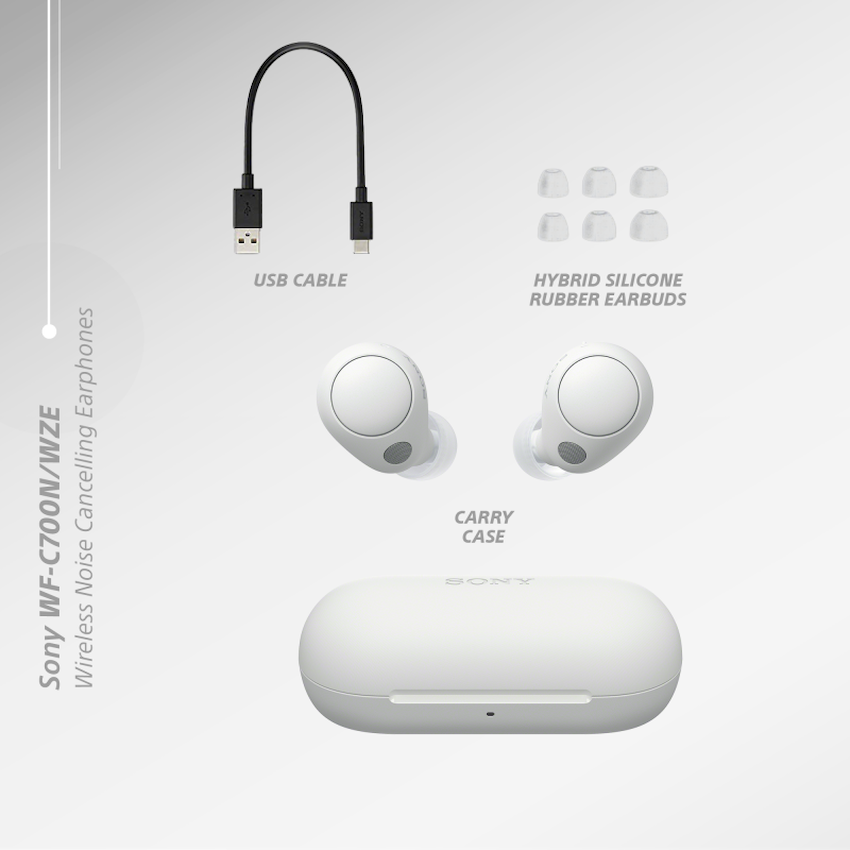
Experience superior sound quality and noise-canceling technology with the Sony WF-C700N True Wireless Earbuds. With a comfortable and secure fit, these earbuds provide up to 9 hours of battery life and come with a compact charging case for on-the-go convenience.Connect to your device effortlessly with Bluetooth and enjoy hands-free calling with built-in voice assistant support. Whether you’re listening to music or taking calls, these earbuds deliver an immersive and personalized audio experience. Shop now and upgrade your listening game with the Sony WF-C700N True Wireless Earbuds.Cancel out background noise with Noise Sensor Technology or use the Ambient Sound Mode to stay connected to your natural surroundings. Adjust ambient sound with the Sony | Headphones Connect app to control your listening experience.Pairing:1. Search for (Sony Headphones connect) on Google Play or App store2. Launch the app.3. Select your country/region of residence4. Confirm the (End user license agreement) and check the (I read the above comments and agree) box.5. Tap [Start]Setting up your Sony Headphones:Launch the “Sony | Headphones Connect” app on your smartphone/iPhone, then register your Sony headphones by following the on-screen instructions. If your headphones are wireless headphones, use method A, B or C below to register the headphones.A: Turn on the wireless headphones, then move the headphones close to your smartphone/iPhone. You can select the headphones to pair (register) with via BLUETOOTH connection. If the headphones do not appear on the screen, try the following method B or C.B: When using a smartphone/iPhone not compatible with one-touch connection (NFC), connect and pair (register) with the wireless headphones via BLUETOOTH connection using the setting menu of your smartphone/iPhone. The BLUETOOTH connection method depends on the headphones.C: When using a smartphone compatible with one-touch connection (NFC), connect and pair (register) with the wireless headphones via BLUETOOTH connection by touching the headphones with your smartphone. Refer to the operating instructions of your headphones to check whether they support the NFC functions.What’s in the box1 x Sony WF-C700N True Wireless Earbuds1 x charging cables1 x Reference guide

Additional information

Dimensions4 × 9 × 11 cm

Reviews

There are no reviews yet.

Only logged in customers who have purchased this product may leave a review.

Recently Viewed Products

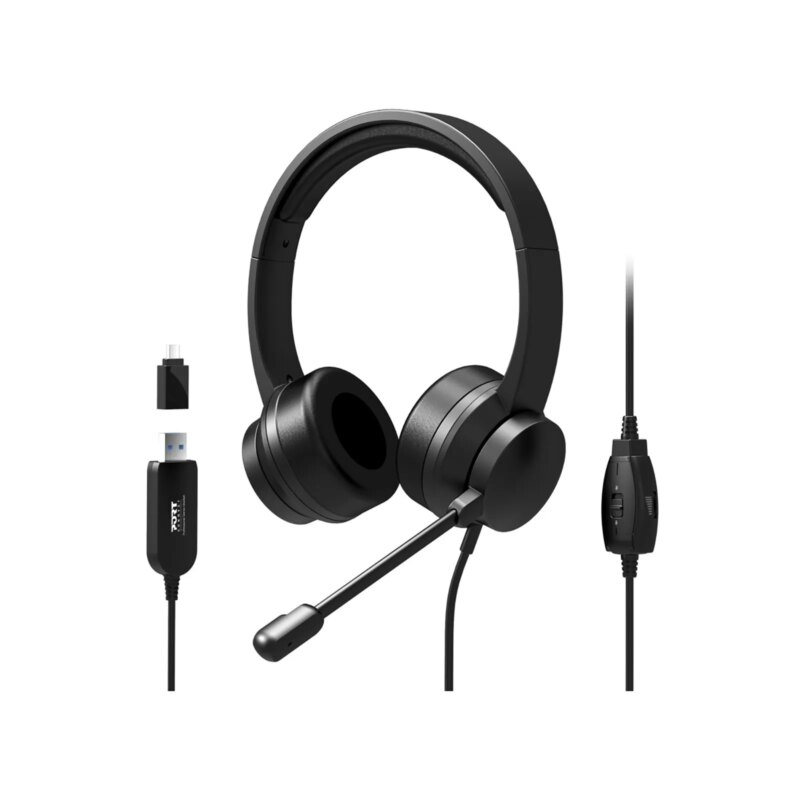
Port Black Comfortable Office Stereo USB Headset

R480.69
Only 2 left in stock
SKU:901605
Headset Form Factor

Colour

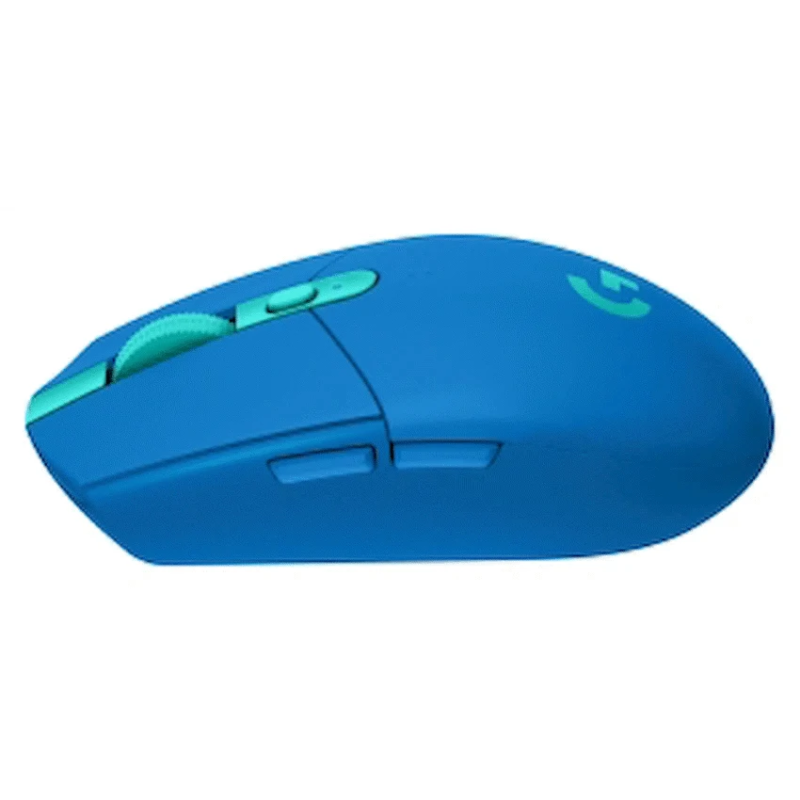
Logitech(R) G305 Lightspeed Wireless Gaming Mouse – Blue – EER

R891.47
Only 0 left in stock
SKU:910-006014
Dimensions5 × 10 × 16 cm

TP-Link 300Mbps Wireless N LTE Router

R1 108.80
SKU:TL-MR150
Router Type

LAN Ports

LAN Ports Speed

Wireless Standard

Sony WF-C700N (White) True Wireless Earbuds R2 299.07
Out of stock
Shopping Cart
No products in the cart.

Sony WF-C700N (White) True Wireless Earbuds